Chrome Extension
Activate your card offers in one click.
Banks scatter valuable offers across their site, and you have to add them one by one. The Cardpio extension finds them and activates them all at once.
Add to Chrome — it's free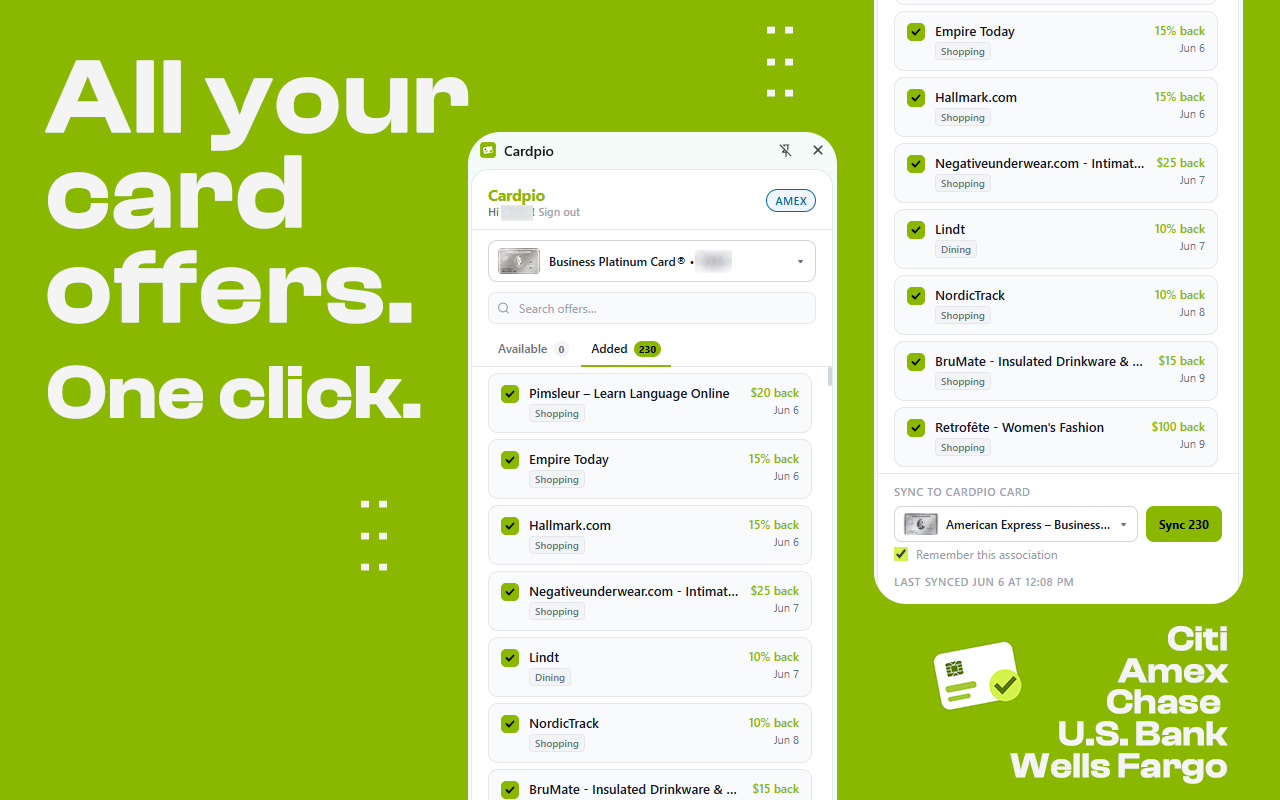
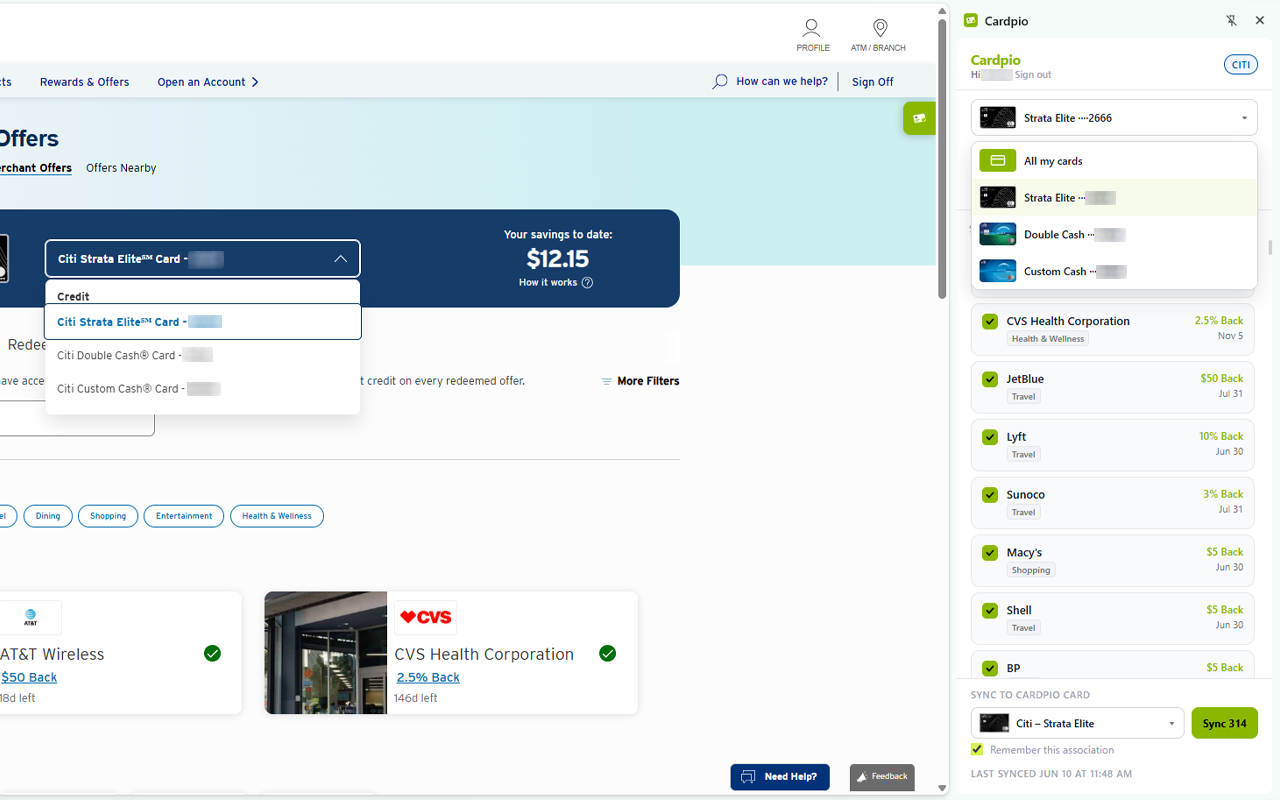
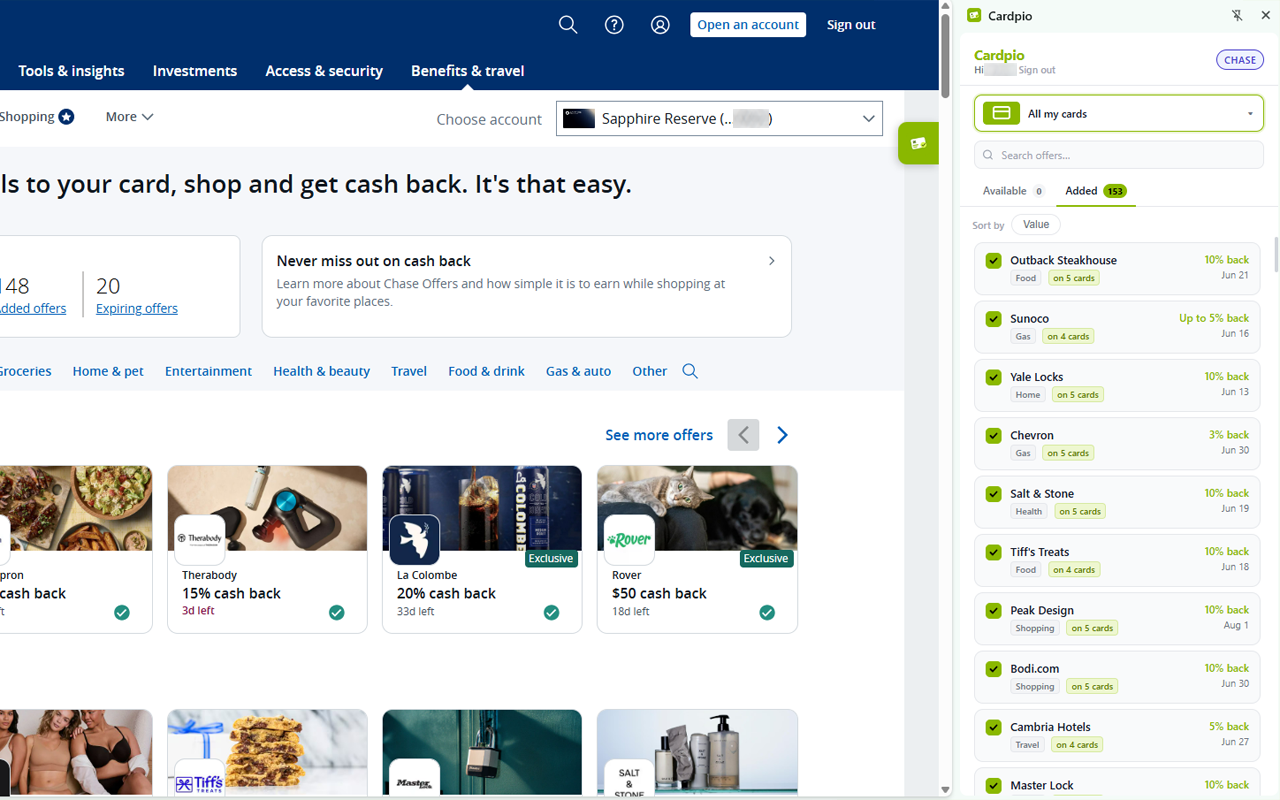
Banks scatter valuable offers across their site, and you have to add them one by one. The Cardpio extension finds them and activates them all at once.
Add to Chrome — it's free
The extension only runs on your bank's offers pages. It never sees or stores your bank username, password, PIN, card numbers, or balances.
To load and activate offers, it uses the session you're already logged into — entirely inside your browser. Your banking session is never sent to Cardpio's servers or any third party.
Add the Cardpio extension and activate every offer on your cards in a single click.
Add to Chrome